About Cutout Camera AI Photo Editor
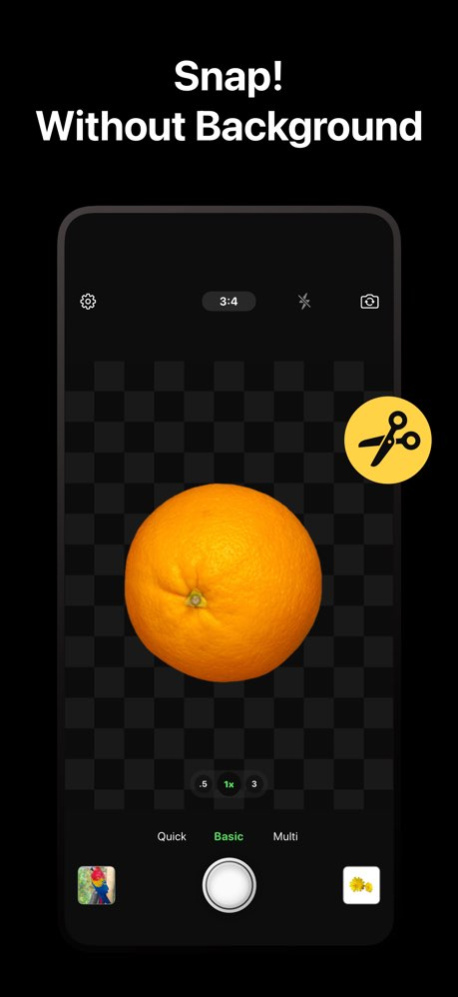
Make Your Photos Stand Out - Real-Time AI Background Eraser Capture stunning photos-without backgrounds! Our real-time AI removes the background as you shoot. Apply styles, edit, or create composites-all in just one tap....
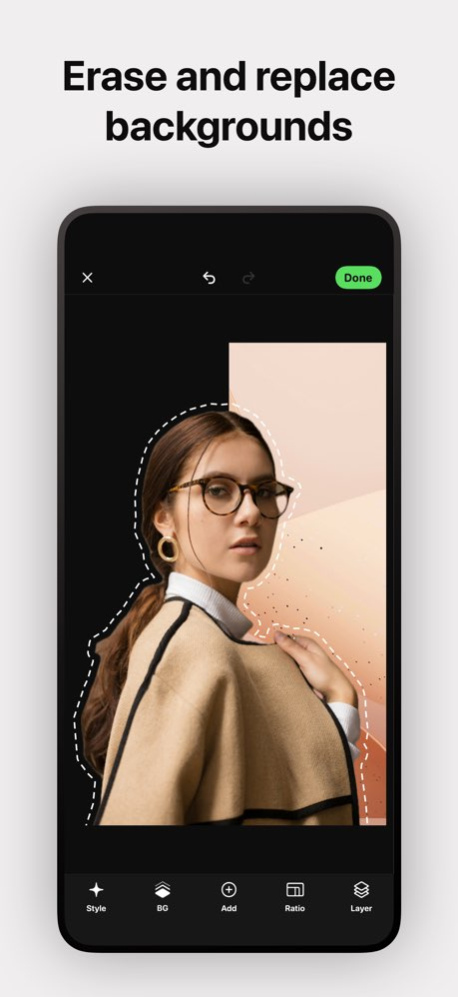
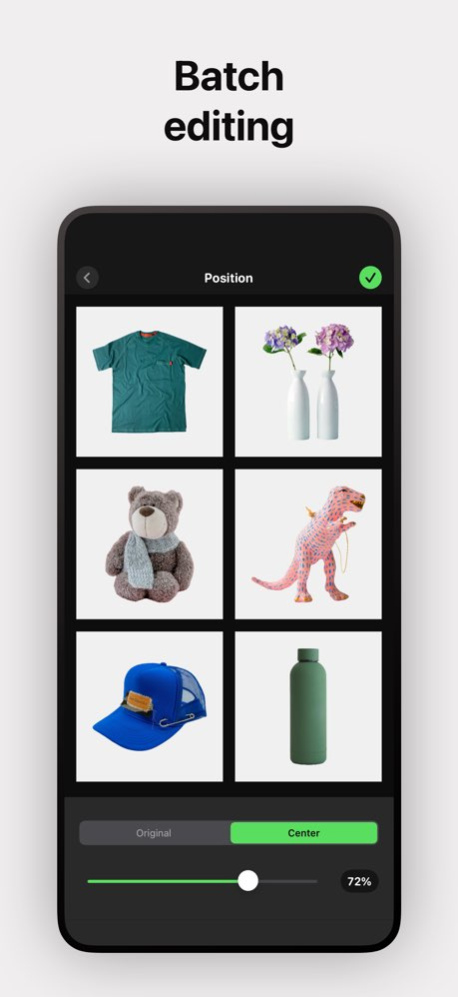
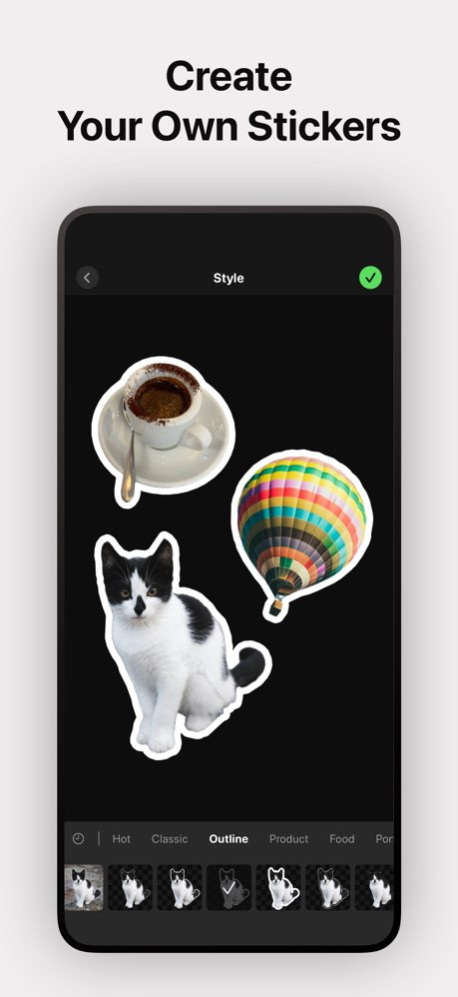
Make Your Photos Stand Out - Real-Time AI Background Eraser Capture stunning photos-without backgrounds! Our real-time AI removes the background as you shoot. Apply styles, edit, or create composites-all in just one tap. ● KEY FEATURES . Real-Time Cutouts - Instantly remove backgrounds while shooting . Photo Background Remover - Import photos and erase backgrounds automatically . Manual Touch-Up - Fine-tune cutouts with a brush tool . Batch Editing - Remove backgrounds from multiple photos at once . Style Templates - White background, outlines, scenes, and more . Photo Editing Tools - Add text, shadows, outlines . Background Effects - Blur, overlays, gradients ● SPECIAL MODE . Multi-Snap - Capture multiple cutouts and combine them into one image ● PERFECT FOR . Product photos with white or transparent backgrounds . PNG sticker creation . Restaurant menu shots . Portrait cutouts and composites . Text behind subjects . YouTube, Instagram, and blog thumbnails . Memes, collages, and creative edits . Privacy protection - blur only the background ● BUILT WITH PRIVACY IN MIND . Fully offline with on-device AI . No uploads - your photos stay on your device . No login required . Anonymous crash reports only - no tracking, no personal data ● TIPS FOR BEST RESULTS . Center your subject with enough spacing . Use bright lighting and keep your phone steady - Need Help? Contact us anytime: contact@likoapps.com - Before using Cutout Camera: Terms of Use: https://www.likoapps.com/terms_privacy/terms_en.html Privacy Policy: https://www.likoapps.com/terms_privacy/privacy_en.html Created by liko apps
Version History 1. New Save Options Added new options to reduce image file size when saving. You can change save settings before downloading, or anytime in Settings. 2. Hardware Button Shutter Support Take photos using the volume buttons on iOS 18 or later. Camera Control button shooting is supported on iPhone 16 or later. 3. Performance Improvements & Bug Fixes Improved overall performance and stability. Enjoy a smoother and more reliable experience. 1.2.3 Jan 26 The latest version contains bug fixes and performance improvements. 1.2.2 05/23/2025 1. New Batch Editing Feature Remove backgrounds and apply styles to multiple photos at once. You can choose just one photo or select several—either way works! We’ll continue improving this feature, so feel free to share your feedback. 2. Edit Directly from the Photos App Tap the “Share” button in the iPhone Photos app to send an image straight to "Cutout Camera AI Photo Editor". Currently supports sending one photo at a time. 3. Added 4:5 Camera Ratio You can now shoot in a 4:5 aspect ratio—perfect for social media uploads. 4. Improved Photo Quality Enhanced clarity and detail in captured images. 5. Performance Improvements & Bug Fixes Enjoy a smoother and more stable experience with the latest update. 1.2.1 05/10/2025 1. New Batch Editing Feature Remove backgrounds and apply styles to multiple photos at once. You can choose just one photo or select several—either way works! We’ll continue improving this feature, so feel free to share your feedback. 2. Edit Directly from the Photos App Tap the “Share” button in the iPhone Photos app to send an image straight to "Cutout Camera AI Photo Editor". Currently supports sending one photo at a time. 3. Added 4:5 Camera Ratio You can now shoot in a 4:5 aspect ratio—perfect for social media uploads. 4. Improved Photo Quality Enhanced clarity and detail in captured images. 5. Performance Improvements & Bug Fixes Enjoy a smoother and more stable experience with the latest update. 1.2.0 05/09/2025 1. AI Background Removal Model Upgrade Background removal is now even more precise, with smoother edges! The new AI model is supported on iOS 18 and later, for iPhone 12 and newer devices. 2. Manual Editing Tools Added You asked, we delivered! We've added manual editing tools for those fine details that need a little extra touch after automatic removal. Try the manual Eraser/Recover tools to fine-tune your cutout exactly how you want! 3. Performance Improvements & Bug Fixes This update wouldn’t have been possible without your valuable feedback. Thank you! 1.1.0 03/03/2025 The latest version contains bug fixes and performance improvements. 1.0.1 12/08/2024 1.0.0 11/22/2024
Previous Versions
Here you can find the changelog of Cutout Camera AI Photo Editor since it was posted on our website on 2026-02-17 02:55:09.
The latest version is 1.2.3 and it was updated on 2026-10-13 13:34:26. See below the changes in each version.
Cutout Camera AI Photo Editor version 1.2.3
Updated At: 2026-10-13
Changes: Version History 1. New Save Options
Added new options to reduce image file size when saving.
You can change save settings before downloading, or anytime in Settings.
2. Hardware Button Shutter Support
Take photos using the volume buttons on iOS 18 or later.
Camera Control button shooting is supported on iPhone 16 or later.
3. Performance Improvements & Bug Fixes
Improved overall performance and stability.
Enjoy a smoother and more reliable experience. 1.2.3 Jan 26 The latest version contains bug fixes and performance improvements. 1.2.2 05/23/2025 1. New Batch Editing Feature
Remove backgrounds and apply styles to multiple photos at once.
You can choose just one photo or select several—either way works!
We’ll continue improving this feature, so feel free to share your feedback.
2. Edit Directly from the Photos App
Tap the “Share” button in the iPhone Photos app to send an image straight to "Cutout Camera AI Photo Editor".
Currently supports sending one photo at a time.
3. Added 4:5 Camera Ratio
You can now shoot in a 4:5 aspect ratio—perfect for social media uploads.
4. Improved Photo Quality
Enhanced clarity and detail in captured images.
5. Performance Improvements & Bug Fixes
Enjoy a smoother and more stable experience with the latest update. 1.2.1 05/10/2025 1. New Batch Editing Feature
Remove backgrounds and apply styles to multiple photos at once.
You can choose just one photo or select several—either way works!
We’ll continue improving this feature, so feel free to share your feedback.
2. Edit Directly from the Photos App
Tap the “Share” button in the iPhone Photos app to send an image straight to "Cutout Camera AI Photo Editor".
Currently supports sending one photo at a time.
3. Added 4:5 Camera Ratio
You can now shoot in a 4:5 aspect ratio—perfect for social media uploads.
4. Improved Photo Quality
Enhanced clarity and detail in captured images.
5. Performance Improvements & Bug Fixes
Enjoy a smoother and more stable experience with the latest update. 1.2.0 05/09/2025 1. AI Background Removal Model Upgrade
Background removal is now even more precise, with smoother edges!
The new AI model is supported on iOS 18 and later, for iPhone 12 and newer devices.
2. Manual Editing Tools Added
You asked, we delivered!
We've added manual editing tools for those fine details that need a little extra touch after automatic removal.
Try the manual Eraser/Recover tools to fine-tune your cutout exactly how you want!
3. Performance Improvements & Bug Fixes
This update wouldn’t have been possible without your valuable feedback. Thank you! 1.1.0 03/03/2025 The latest version contains bug fixes and performance improvements. 1.0.1 12/08/2024 1.0.0 11/22/2024
Cutout Camera AI Photo Editor version 1.2.3
Updated At: 2026-01-26
Changes: 1. New Save Options
Added new options to reduce image file size when saving.
You can change save settings before downloading, or anytime in Settings.
2. Hardware Button Shutter Support
Take photos using the volume buttons on iOS 18 or later.
Camera Control button shooting is supported on iPhone 16 or later.
3. Performance Improvements & Bug Fixes
Improved overall performance and stability.
Enjoy a smoother and more reliable experience.
Disclaimer
Official App Store Link
We do not host Cutout Camera AI Photo Editor on our servers. We did not scan it for viruses, adware, spyware or other type of malware. This app is hosted by Apple and passed their terms and conditions to be listed there. We recommend caution when installing it.
The App Store link for Cutout Camera AI Photo Editor is provided to you by apps112.com without any warranties, representations or guarantees of any kind, so access it at your own risk.
If you have questions regarding this particular app contact the publisher directly. For questions about the functionalities of apps112.com contact us.